English
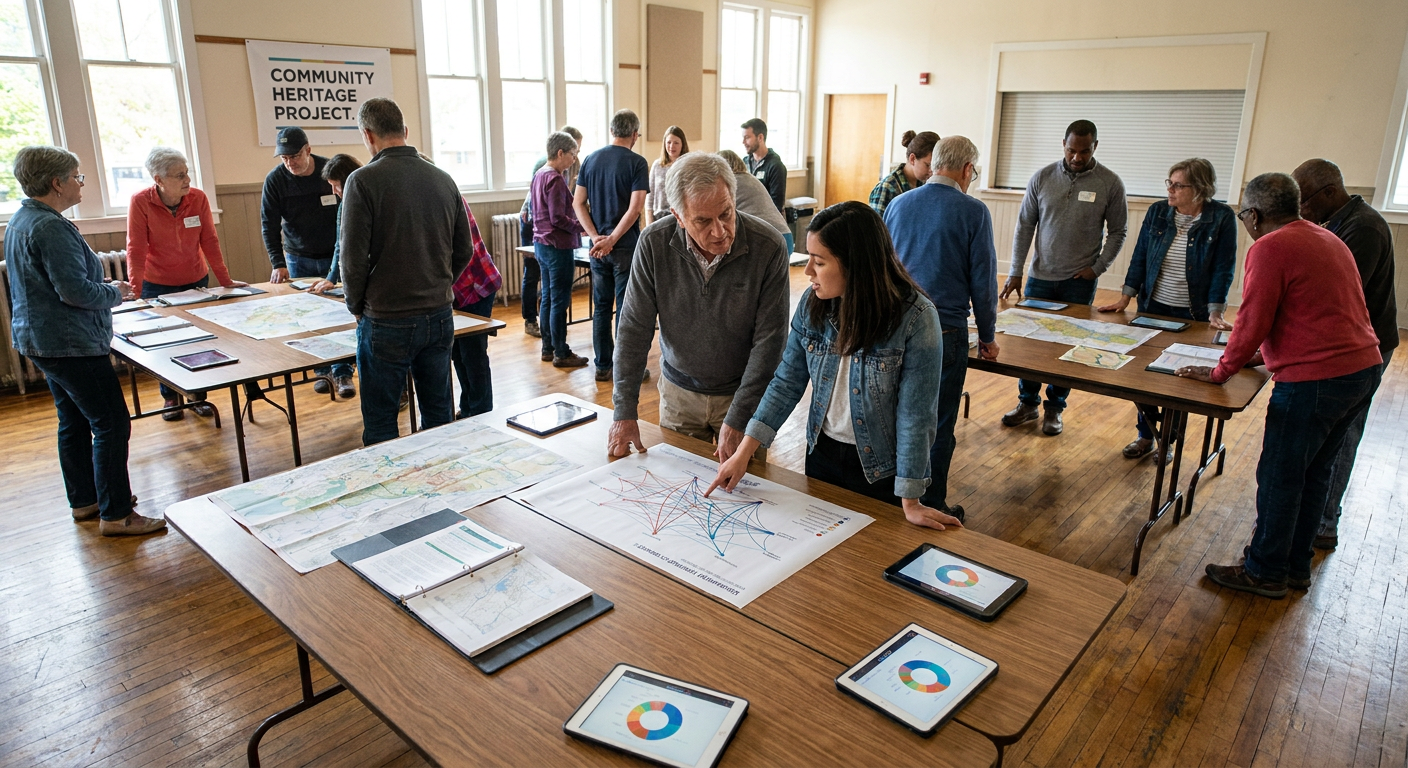
Linking DNA results to a family tree connects biological data with documented genealogical lineages, transforming raw centimorgan counts into identifiable family relationships. A genetic test profile that remains unlinked functions in isolation, generating lists of genetic cousins without providing structural clues about where those individuals fit into your pedigree. Attaching a pedigree to a genetic test profile activates automated features such as ThruLines and common surnames and locations.

Researchers generally balance three distinct strategies: direct manual linking on native web platforms, importing standardized genealogical data files, and external synchronization using standalone desktop genealogy software.
Key Takeaways
- An unlinked genetic profile lists biological cousins but cannot automatically cross-reference ancestral lineages against matching family pedigrees.
- Attaching a pedigree directly to your genetic profile activates algorithmic comparison systems that evaluate shared ancestors across family networks.
- Exporting and importing genealogical data files offers an efficient way to transfer verified generational branches between platforms.
- Desktop genealogy software provides local database control and allows detailed documentation of biological markers alongside traditional vital records.
- Linking genetic cousins directly to specific branch profiles within a tree helps visualize how shared segments travel down biological lines.
The Three Core Approaches to Linking Genetic Profiles and Pedigrees
Researchers encounter three primary workflows when connecting biological profiles to documentary lineages. Each strategy addresses different technical needs, privacy balances, and data structures.
Strategy 1: Direct Web-Based Profile Assignment
Direct profile assignment is the most common approach across consumer testing platforms. In this workflow, a researcher builds or maintains a family pedigree directly on the testing website, accesses the genetic profile settings, and designates a specific profile card as the biological tester.
This direct association establishes a bridge between the biological dataset and the documented pedigree. Once attached, platform systems can compare your tree with the trees of your matches to find shared ancestors.
Strategy 2: Standardized Data File Import
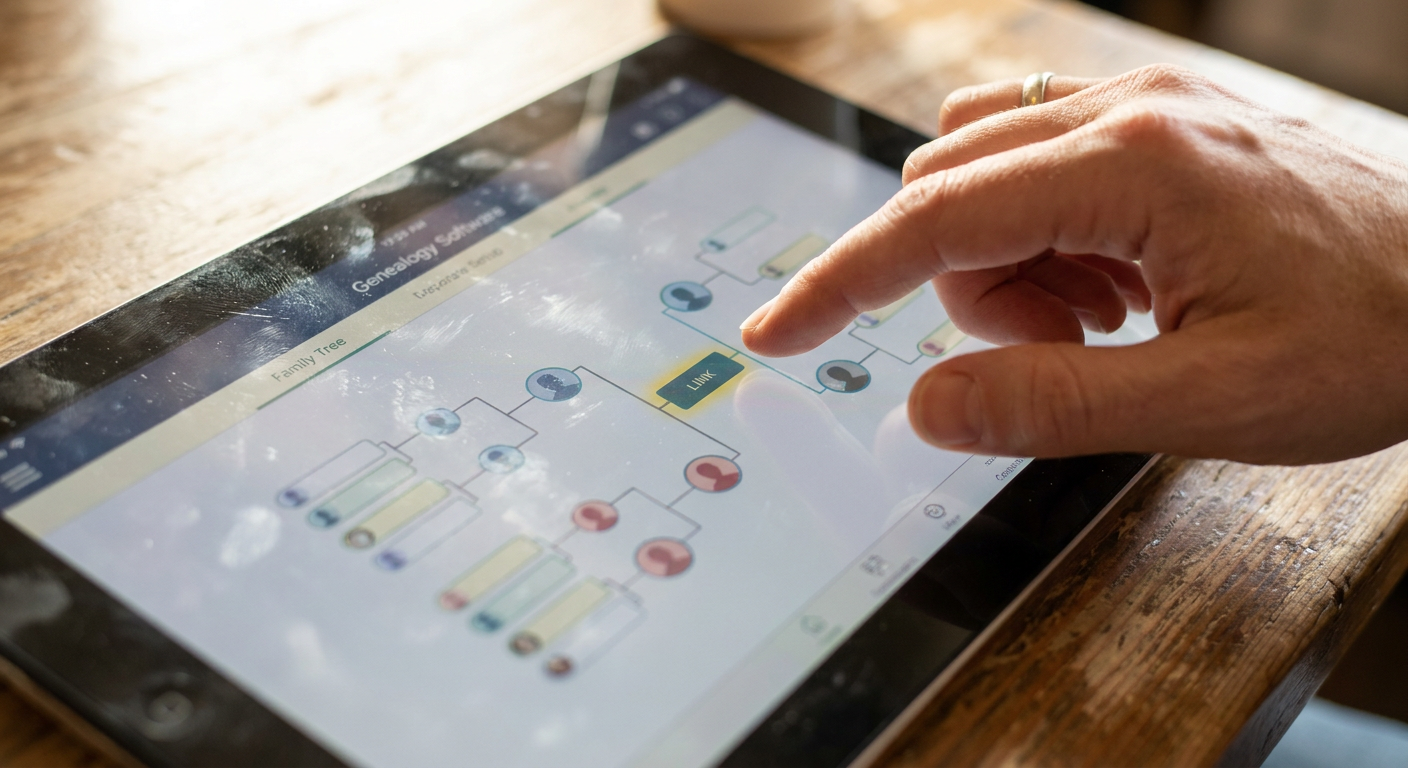
Standardized data file imports use universal formatting, such as genealogical data communication files, to populate an online pedigree from an external source before connecting genetic profiles. Researchers often transfer ancestral trees into structured files rather than re-entering generational lines manually.
Once imported into a platform, the generated lineage structure serves as the target repository for linking genetic profiles. This method populates generational relationships across platforms without requiring manual re-entry of every relative.
Strategy 3: Desktop Software Synchronization and Documentation
Desktop genealogy applications allow researchers to maintain their master lineage files locally on a personal computer while recording biological markers and test findings directly inside individual ancestor records. Rather than relying strictly on cloud-hosted algorithms, software users create structured documentary entries, attach summary reports as archival records, and link genetic cousin entries to their corresponding pedigree cards.
This approach keeps documentary archives inside a private local database while allowing researchers to track specific biological confirmations across generations.
Side-by-Side Comparison of Linking Strategies
The following table summarizes the operational strengths, technical demands, and primary trade-offs of each method:
| Evaluation Factor | Direct Web-Based Assignment | Standardized Data File Import | Desktop Software Documentation |
|---|---|---|---|
| Primary Workflow | Native platform settings configuration | Universal file export and upload | Local application record tracking |
| Algorithmic Integration | Automated relationship hints | High, activating automated hint matching | Manual or semi-automated via platform sync |
| Setup Time | Fast if pedigree exists on the platform | Moderate, requiring clean file preparation | Comprehensive, requiring custom fact setup |
| Data Portability | Low, bounded to platform ecosystem | High, standardized across platforms | High, stored on local hardware |
| Technical Skill Required | Minimal web interface navigation | File management and tree hygiene | Database management and record linking |
| Recommended For | Everyday researchers using native tests | Researchers moving trees between platforms | Privacy-focused and advanced genealogists |
Deep Dive: Pros and Cons of Each Linking Method
Direct Web-Based Profile Assignment
Direct profile assignment provides the smoothest user experience for genetic genealogy. Navigating to the test settings allows you to select an existing pedigree and identify the exact profile card corresponding to the person who provided the biological sample.
Pros:
- Activates automated tree-comparison algorithms without secondary file handling.
- Automatically updates shared ancestral hints as you grow your tree over time.
- Allows direct linking of genetic cousins to their verified branch profiles in your pedigree view.
Cons:
- Requires maintaining tree data directly in a cloud-hosted environment.
- Moving your research to another platform requires repeating the linking process manually.
Standardized Data File Import
You can learn the administrative steps to export a genealogical data file of your family tree to transfer verified lineages from an external database, upload it to your account, and connect your test results to the corresponding individual card.
Pros:
- Preserves complex multi-generational pedigrees without manual re-entry.
- Allows rapid population of trees to activate automated matching systems quickly.
- Keeps a standardized baseline that can be deployed across multiple research platforms.
Cons:
- File transfer errors can occasionally duplicate family members or misplace media attachments.
- Subsequent documentary additions made on the host platform must be re-exported to maintain local synchronization.

Desktop Software Synchronization and Documentation
Using local software environments, such as dedicated desktop family tree managers, allows researchers to record biological evidence alongside traditional vital records. Users can create specialized facts for genetic markers and attach saved test results as PDFs in Family Tree Maker.
Pros:
- Complete local control over archival documentation, citations, and privacy boundaries.
- Ability to document non-traditional biological evidence, segment coordinates, and specific cousin connections without public visibility.
- Immune to cloud platform interface changes or automatic record-matching updates.
Cons:
- Lacks native real-time algorithmic comparison against broader public testing pools.
- Demands disciplined manual data entry to track cousin links and genetic values accurately.
Administrative Management of Multi-Kit Accounts
A frequent complication occurs when a single family genealogist manages genetic samples for multiple relatives, such as parents, aunts, uncles, or second cousins. Unifying these test profiles under a single administrative login requires deliberate profile mapping to preserve biological integrity across generational lines.
Managing Parental and Sibling Kits
When configuring kits for direct ancestors or siblings, the administrative account holder must assign each sample to its corresponding person in the tree rather than defaulting to the account owner's profile card. Linking a father's genetic kit to your own tree entry, for example, disrupts parental relationship calculations and generates inaccurate match estimations. Proper assignment ensures that genetic cousin matches appear on their correct ancestral side.
Managing Remote Cousin Kits
When testing extended relatives to isolate specific ancestral lines, avoid creating isolated micro-trees for each person. Instead, build a family tree that includes the cousin in your master pedigree and link their specific kit directly to their documented placement. This structural unity allows matching tools to calculate generational distance accurately and highlights overlapping genetic clusters across shared maternal or paternal branches.
Systematic Troubleshooting for Common Linking Obstacles
Even experienced researchers encounter technical obstacles when trying to attach genetic test results to online or local family trees. Addressing these issues methodically prevents fragmented data and inaccurate algorithmic conclusions.
Resolving Detached and Unlinked Status Flags
Platforms frequently flag genetic datasets as unlinked if a tree profile is renamed, merged with another card, or temporarily removed during tree reorganizations. To correct this, open your test settings panel, select the tree link configuration option, choose your primary tree from the dropdown menu, and re-type the exact profile name to restore the active link.
Correcting Duplicate Individual Cards After File Imports
Importing a standardized file into an existing web pedigree sometimes creates duplicate individual cards. If your genetic test remains attached to the older, unpopulated entry, automated hints will fail to trigger. Resolve this by merging the duplicate cards using platform tree tools or by reassigning the tree link directly to the newly merged, complete profile card.
Best Practices for Assigning and Managing Genetic Links
1. Confirm Sample Identity Before Linking
When managing test kits for multiple relatives, administrative confusion can lead to linking a biological profile to the wrong pedigree card. Always verify the profile name and kit details before finalizing a tree link. If managing multiple kits from a single account, verify that maternal and paternal samples are assigned to their respective lineage branches.
2. Verify Pedigree Branch Depth
An attached pedigree needs sufficient generational depth to provide value to automated matching engines. A tree that includes only living generations provides insufficient historical overlap for algorithmic comparison. Incorporate verified ancestral couples back across several generations, ensuring complete names, birth years, and locations are present where historical records permit.
3. Link Confirmed Genetic Cousins
Once your primary test profile is linked, extend the practice to your cousin matches. As you discover the shared ancestor connecting you to a genetic match, place that cousin onto your tree and link their test profile directly to their new pedigree card. This documentation creates a visual record of how specific biological lineages verify your documented branches.
4. Manage Data Privacy and File Backups
Maintaining control over your biological data requires periodic administrative oversight.
Which Strategy Should You Choose?
If your primary objective is identifying shared ancestors through automated site comparisons, direct web-based profile assignment is an effective choice. It requires no file conversions and ensures that newly discovered cousins can be mapped to your tree directly.
If you maintain your core pedigree in a distinct primary database, utilizing standardized data file imports allows you to populate web platforms cleanly while keeping your original source tree intact.
For advanced researchers who require strict local privacy or comprehensive biological source citation, maintaining records through desktop genealogy software provides strong archival control.
Frequently Asked Questions